# Social Media
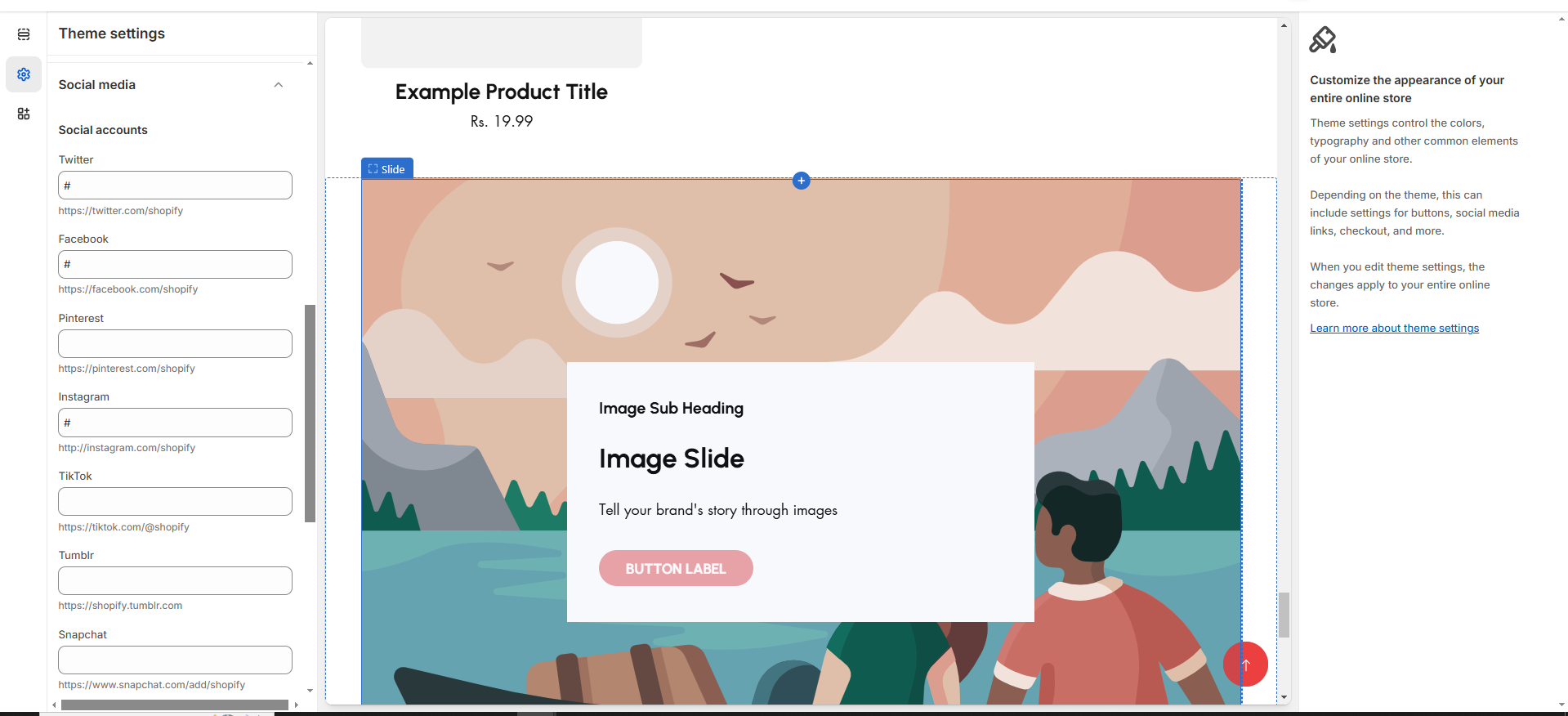
You can include all social media links in the theme by using the "**Social Media**" section in the theme settings. Once you enable the social icons and add the respective links, they will be displayed in the designated section, such as the footer.
{% hint style="success" %}
**Step 1**: From your Shopify admin, go to **Online Store > Themes.**
**Step 2**: Find the theme that you want to **Edit and click Customize**.
**Step 3**: Click **Theme Settings.**
**Step 4: Theme Settings > Social Media**
**Note :** **When the input box empty icon will not displayed in the content**
{% endhint %}
{% hint style="info" %}
To add links to your social media accounts, enter the website addresses for your accounts in the relevant **Social accounts** fields. You need to enter full links, such as **** shopify or \*\*.
{% endhint %}